

WhatsApp’s new Ask Meta AI feature has started appearing inside chats for some users in Pakistan. The tool enables users to interact directly with Meta’s AI chatbot within chats, eliminating the need to search online or open a separate chat for Meta AI.
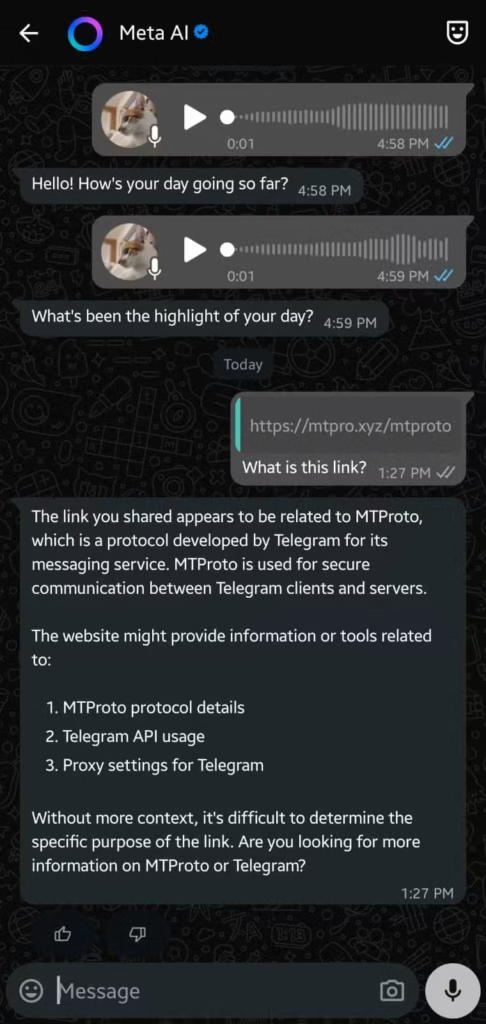
When turned on, the Ask Meta AI icon shows up inside the chat screen. Users can type questions or requests, and the AI responds within the same conversation. This works in both private and group chats, with responses visible to everyone in the thread.
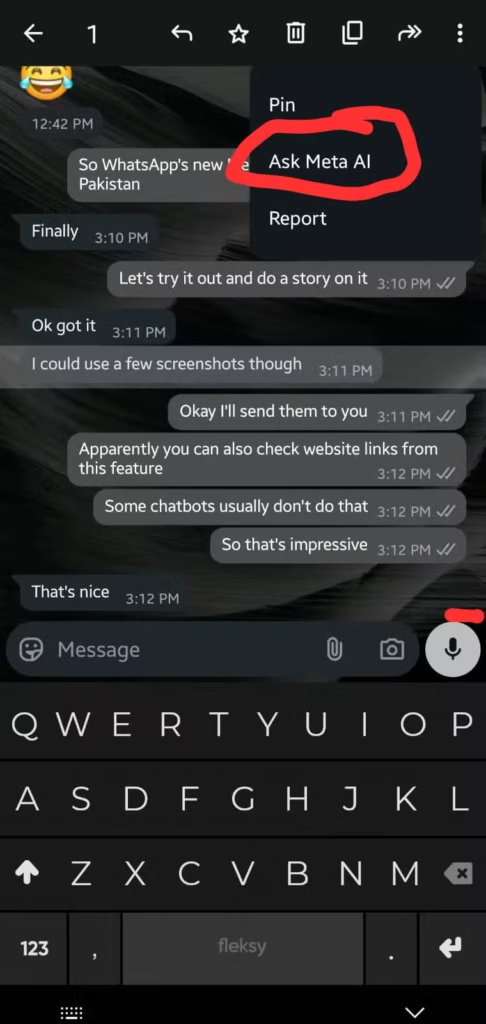
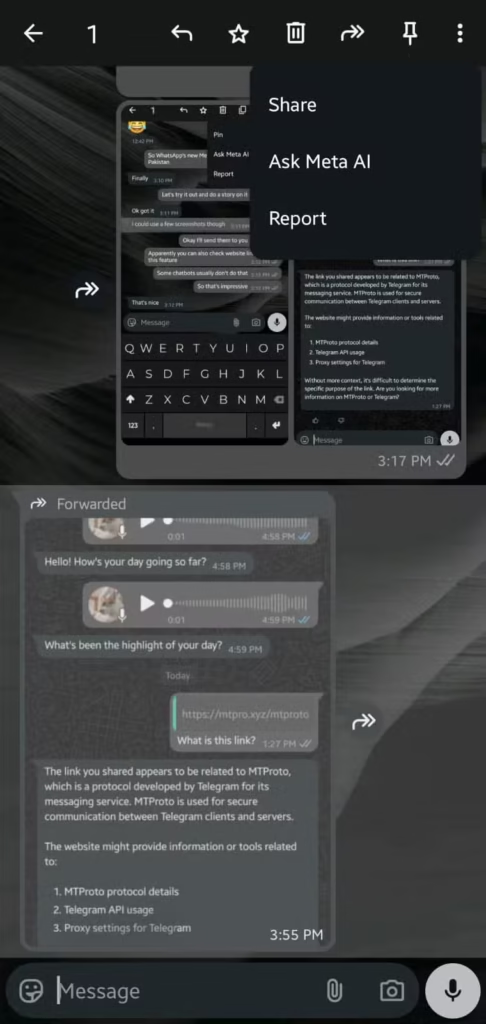
In addition to typing prompts, WhatsApp also allows users to forward messages or media directly to Ask Meta AI. Once a message or photo is selected for forwarding, “Meta AI” appears as an option. This integration makes it easier to generate answers or context without manually copying content.
Beyond direct replies, the AI system also supports message summaries. If a user falls behind on reading a long conversation, WhatsApp can provide a private summary of unread messages. This summary remains visible only to the user and does not affect other participants in the chat.
Only the content sent directly to Ask Meta AI is accessible to the system. Regular messages continue to be end-to-end encrypted, maintaining WhatsApp’s standard privacy protections. However, one criticism is that once the Ask Meta AI icon appears, it cannot be removed entirely. Users can mute or minimize the chat, but they cannot completely disable the feature.
As mentioned earlier, the rollout of Ask Meta AI is currently only visible to some users in Pakistan. Some devices show the feature immediately after updating to the latest WhatsApp version, while others do not. Even phones running the same version of the app may have different experiences. This means WhatsApp is introducing the feature gradually, most likely through a server-side activation.
WhatsApp has confirmed that Ask Meta AI is not active on all devices or in all regions at once. Pakistan is included in the early rollout, though availability varies by device. Users should make sure they are running the latest version of WhatsApp to increase their chances of seeing the feature.
For more daily updates, please visit our News Section.